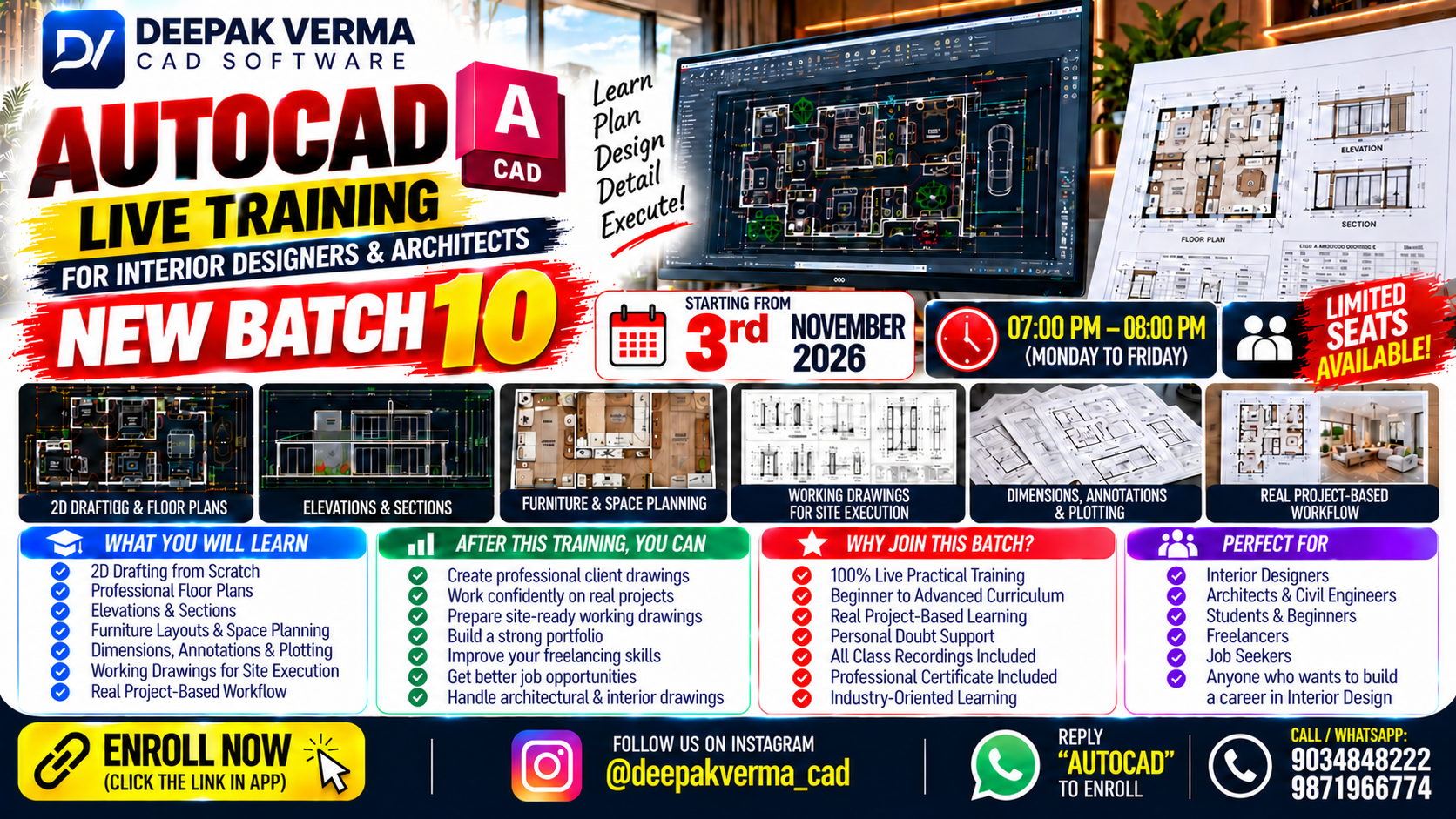
Here is a comprehensive AutoCAD syllabus suitable for beginners to intermediate learners. It can be used for self-study or course structure (for diploma or certification training):
🔰 Module 1: Introduction to AutoCAD
- What is AutoCAD? History and Application Areas
- AutoCAD Interface (UI Overview)
- Starting and saving a drawing
- Units, Limits, and Coordinate Systems
- Workspace Customization
✏️ Module 2: Basic Drawing Tools
- Line, Circle, Arc, Rectangle, Polygon
- Polyline & Spline
- Ellipse and Hatch
- Using Grid, Snap, and Ortho mode
- Object Snap (OSNAP)
🧲 Module 3: Modify Commands
- Move, Copy, Rotate, Scale
- Trim, Extend, Fillet, Chamfer
- Mirror, Array (Rectangular & Polar)
- Offset, Stretch, Break, Join
📐 Module 4: Drawing Settings & Layers
- Layer Creation and Management
- Line Types, Line Weight, and Colours
- Layer Properties Manager
- Layer Isolation, Locking, and Freezing
📋 Module 5: Annotation & Text
- Single-line & Multiline Text
- Text Styles and Formatting
- Dimensions and Dimension Styles
- Leaders and Multileader
- Creating and Managing Annotations
🧱 Module 6: Blocks & Attributes
- Creating and Inserting Blocks
- Dynamic Blocks
- Creating Block Attributes
- WBLOCK and Design enter
📊 Module 7: Object Properties & Inquiry Tools
- Object Selection Methods
- Match Properties
- Quick Properties & Properties Palette
- Measure, Distance, Area, List
🧾 Module 8: Layouts, Printing & Plotting
- Model Space vs Paper Space
- Viewports, Title Blocks, and Scales
- Plotting and Page Setup
🧰 Module 9: Advanced Tools
- External References (Xrefs)
- Image Attachments
- PDF Import/Export
- Purge & Audit
- Tool Palettes & Design enter
🧩 Module 10: 2D Drafting Project
- Floor Plan (Residential/Commercial)
- Electrical/Plumbing Layout
- Furniture & Interior Layout
🧪 Module 11: Practice & Final Project
- Working on a real-life CAD project
- Layered Drawings, Plotting, Annotations
- Submission & Evaluation