
Software Setup and installation video
1 video
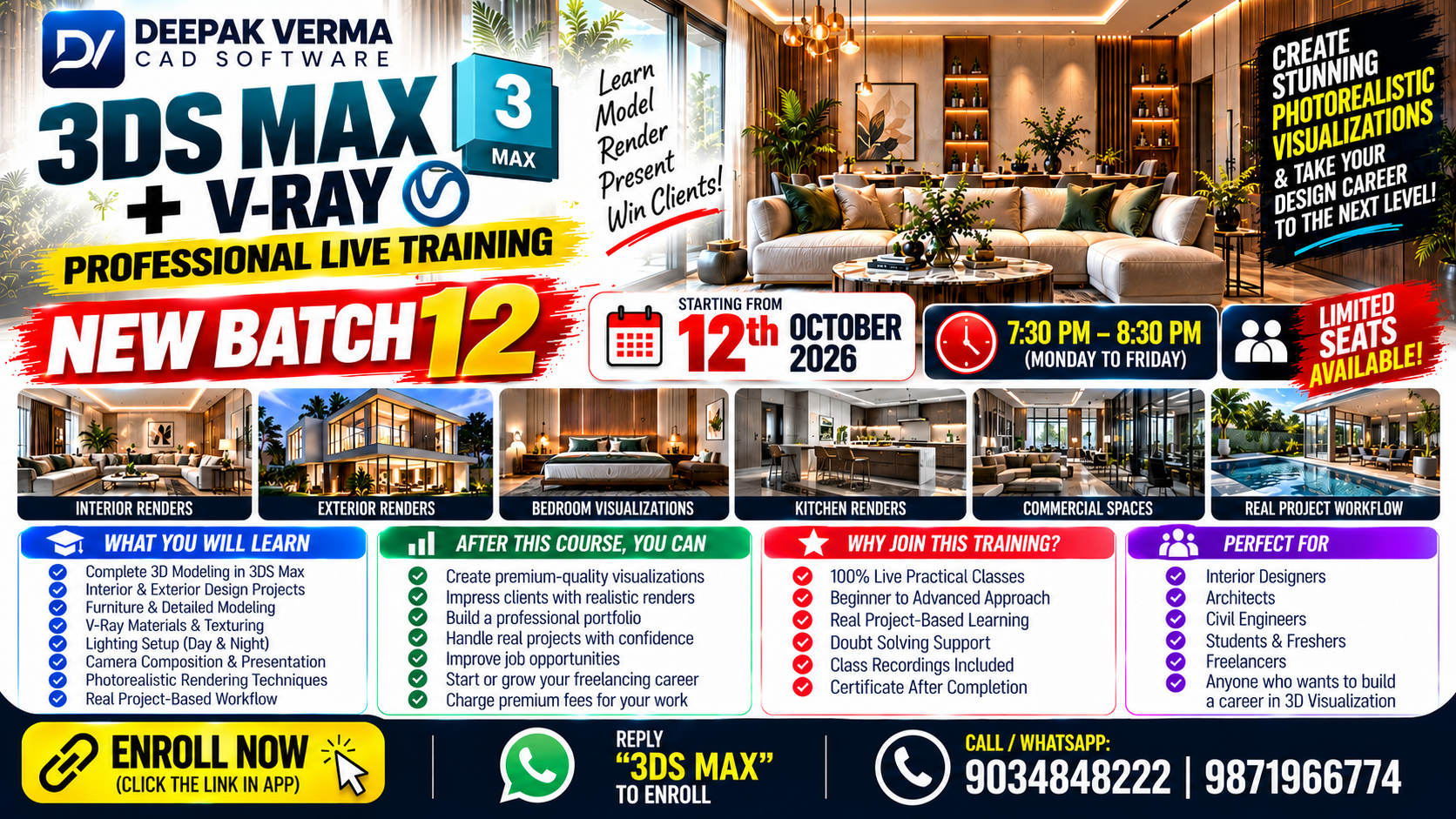
✅ Live Classes
✅ All Sessions in Hindi
✅ Lifetime Access to Class Recordings via App
✅ No Prior Experience Needed
✅ Covers Complete 3D Modeling + V-Ray Rendering
✅ Practice Files & Assignments Provided
✅ WhatsApp Group for Doubt Solving
✅ Certificate After Completion
✅ Realistic Rendering & Visualization Techniques
✅ E-Notes + Resource Library Access
Interface & Workspace Setup
Viewports, Navigation Tools
Units & File Management (Import/Export/Save)
Standard & Extended Primitives
Editable Poly Tools
Modifier Stack (Bend, Taper, Shell, TurboSmooth, etc.)
Spline Modeling (Loft, Extrude, Bezier Curves)
Boolean & ProBoolean Operations
Grouping, Cloning, Layers & Scene Management
Room & Wall Creation
Doors, Windows, Flooring
Furniture Modeling (Beds, Sofas, Tables, Cabinets)
Exterior Elements (Walls, Roofs, Railings, Columns)
Decorative & Functional Detailing
Material Types in 3ds Max
V-Ray Materials (VRayMtl)
Diffuse, Reflection, Refraction, Bump & Normal Maps
UVW Mapping, Unwrapping Techniques
Material Editor (Slate & Compact Views)
VRayLight, Dome Light, IES, Sun & Sky
HDRI Lighting for Realism
Interior Lighting Setup (Day/Night)
Exterior Lighting Setup
Light Mix & Adjustments in V-Ray Frame Buffer
Free & Target Cameras
V-Ray Physical Camera Settings (ISO, Shutter Speed, F-Stop)
Depth of Field, Motion Blur Effects
Framing, Angles, and Scene Composition
Render Settings (Production Quality)
Global Illumination: Light Cache & Irradiance Map
Image Sampling & Noise Reduction
V-Ray Frame Buffer (Color Corrections & History)
Final Output Settings (Resolution, File Types)
Render Elements: Z-Depth, AO, Reflection
Color Correction in V-Ray Frame Buffer
Exporting Renders for Photoshop Editing
Interior Scene (Bedroom/Living Room)
Exterior Scene (Villa/Commercial Building)
Product Rendering (Chair, Light, Home Decor)
Final Portfolio Creation
Confidently model 3D spaces and products
Create hyper-realistic renders with V-Ray
Work on live design projects
Build a stunning portfolio for job/freelancing opportunities
₹2,999